WordPress Email Deliverability: How to Stop Your Emails Landing in Spam in 2026
Your WordPress emails are landing in spam — and it is costing you subscribers, sales, and trust. Learn how to fix WordPress email deliverability with SPF, DKIM, DMARC authentication, and proven strategies to reach the inbox every time.

The WP Outreach Editorial Staff is a team of WordPress…
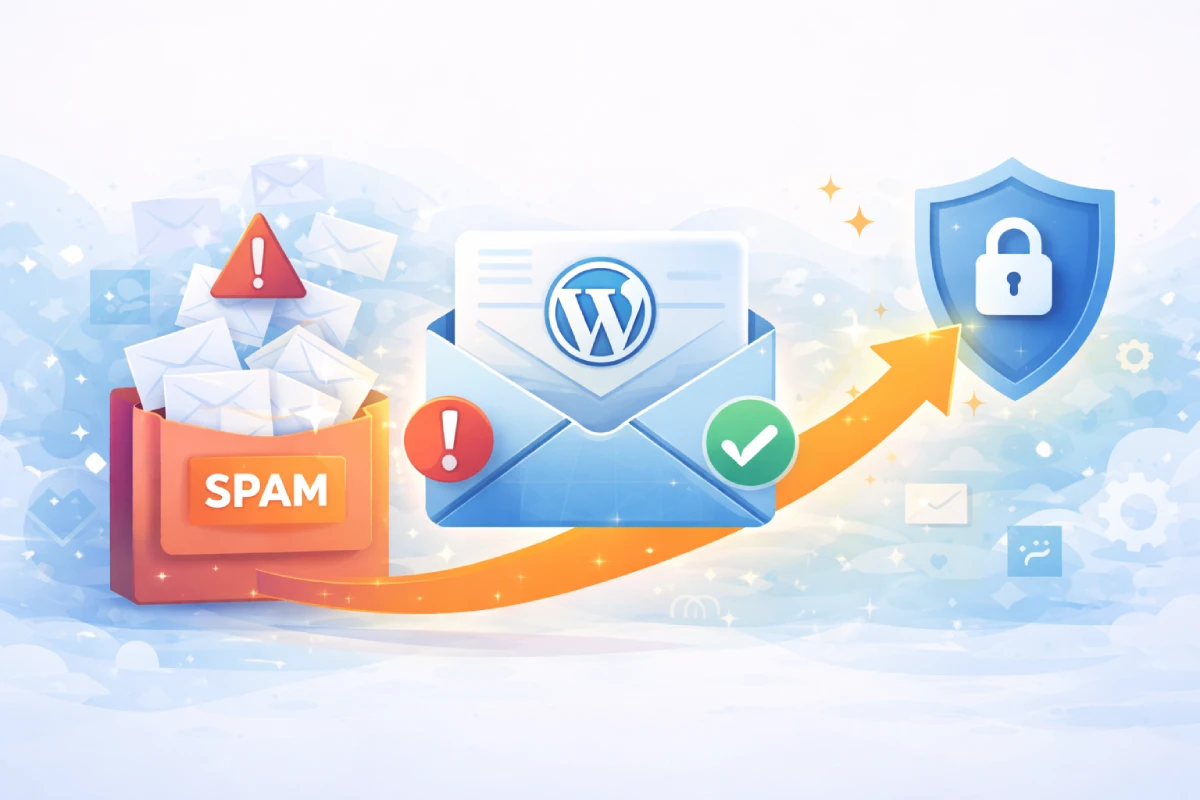
You have spent hours crafting the perfect email sequence. Your subject lines are sharp, your content is valuable, and your call-to-action is irresistible. There is just one problem — your subscribers never see any of it.
If your WordPress emails are landing in spam folders instead of inboxes, you are not alone. In 2026, email providers like Gmail, Outlook, and Yahoo have tightened their filtering algorithms dramatically. Without proper WordPress email deliverability practices in place, even legitimate emails get flagged and buried.
The good news? Fixing this is entirely within your control. In this guide, you will learn exactly why your WordPress emails end up in spam, how to authenticate your domain properly, and the proven strategies that ensure your messages reach the inbox — every single time.
Why WordPress Email Deliverability Matters More Than Ever
Email deliverability is the percentage of your emails that actually reach your subscribers’ inboxes. It is not the same as delivery rate — an email can be “delivered” to a spam folder. What matters is inbox placement.
In 2026, the stakes are higher than ever. Google and Yahoo rolled out strict sender requirements that now affect every WordPress site sending emails. If you fail to meet these standards, your emails will be silently filtered, bounced, or rejected entirely.
Here is what poor WordPress email deliverability costs you:
- Lost revenue — Abandoned cart emails, product launches, and promotions never reach buyers
- Wasted effort — Hours spent on email campaigns that nobody reads
- Damaged reputation — A poor sender score makes future emails even harder to deliver
- Subscriber churn — People who never see your emails eventually unsubscribe or forget about you
The #1 Reason WordPress Emails Land in Spam
By default, WordPress sends emails using the PHP mail() function. This is the root cause of most deliverability problems. Here is why:
- PHP mail sends from your web server’s IP address, which is often shared with hundreds of other sites
- Emails lack proper authentication headers (SPF, DKIM, DMARC)
- The “From” address often does not match your domain’s DNS records
- There is no encryption (TLS) by default
Think of it this way: sending emails through PHP mail is like mailing a letter with no return address from a random post office. Email providers have no way to verify you are who you claim to be — so they treat your message as suspicious.
Email Authentication Explained: SPF, DKIM, and DMARC
Email authentication is the foundation of WordPress email deliverability. In 2026, it is no longer optional — it is mandatory. Here is what each protocol does and why you need all three.
SPF (Sender Policy Framework)
SPF tells email providers which servers are authorized to send emails on behalf of your domain. Without it, anyone could send emails pretending to be you.
How to set it up: Add a TXT record to your domain’s DNS settings. For example:
v=spf1 include:_spf.google.com include:sendgrid.net ~allThis record says: “Only Google and SendGrid are allowed to send emails from my domain. Treat everything else with suspicion.”
DKIM (DomainKeys Identified Mail)
DKIM adds a digital signature to every email you send. The receiving server checks this signature against a public key in your DNS records. If the signature matches, the email is verified as authentic and unaltered.
How to set it up: Your email sending service (SMTP provider) will give you a DKIM record to add to your DNS. It looks something like this:
Type: TXT
Host: default._domainkey
Value: v=DKIM1; k=rsa; p=MIGfMA0GCSqGSIb3DQEB...
DMARC (Domain-based Message Authentication, Reporting, and Conformance)
DMARC ties SPF and DKIM together and tells email providers what to do when authentication fails. It also sends you reports about who is sending emails from your domain.
How to set it up: Add a TXT record to your DNS:
Type: TXT
Host: _dmarc
Value: v=DMARC1; p=quarantine; rua=mailto:dmarc@yourdomain.com
Start with p=none to monitor, then move to p=quarantine or p=reject once you have confirmed your legitimate emails pass authentication.
Step-by-Step: Fix Your WordPress Email Deliverability
Follow these steps to transform your WordPress email deliverability from unreliable to bulletproof.
Step 1: Stop Using PHP Mail
The first and most impactful change is switching from PHP mail to a proper SMTP connection. SMTP (Simple Mail Transfer Protocol) sends emails through an authenticated, encrypted channel — exactly how professional email services work.
With WP Outreach, you can configure SMTP directly within your WordPress dashboard. No complex server configurations, no third-party plugins stacking on top of each other. Just enter your SMTP credentials and your emails immediately start sending through a verified channel.
Step 2: Set Up Email Authentication
Add all three authentication records (SPF, DKIM, DMARC) to your domain’s DNS. Most hosting providers and domain registrars make this straightforward:
- Log into your domain registrar (GoDaddy, Namecheap, Cloudflare, etc.)
- Navigate to DNS management
- Add the SPF, DKIM, and DMARC TXT records provided by your email service
- Wait for DNS propagation (usually 24-48 hours)
- Verify using a tool like MXToolbox or Mail Tester
Step 3: Clean Your Email List
A dirty email list destroys deliverability. High bounce rates and spam complaints signal to email providers that you are an untrustworthy sender.
- Remove hard bounces immediately — These are invalid addresses that will never receive email
- Re-engage or remove inactive subscribers — If someone has not opened your emails in 90 days, send a re-engagement campaign. If they still do not respond, remove them
- Use double opt-in — Confirm every new subscriber with a verification email. This ensures only real, interested people join your list
WP Outreach includes built-in list hygiene tools that automatically flag bounced addresses and track engagement, making list maintenance effortless.
Step 4: Warm Up Your Sending Domain
If you are setting up a new domain or switching SMTP providers, do not blast your entire list on day one. Email providers monitor sending patterns, and a sudden spike from an unknown sender triggers spam filters.
Instead, warm up gradually:
- Week 1: Send to your 50 most engaged subscribers
- Week 2: Expand to 200 subscribers
- Week 3: Expand to 500 subscribers
- Week 4: Send to your full list
High open rates during the warm-up period build a positive sender reputation that carries forward.
Step 5: Optimize Your Email Content
Even with perfect authentication, poorly written emails can trigger spam filters. Follow these content best practices:
- Avoid spam trigger words — Phrases like “FREE!!!”, “Act now”, “Limited time” in subject lines raise red flags
- Balance text and images — All-image emails are a spam signal. Aim for a 60/40 text-to-image ratio
- Include a plain text version — Always send multipart emails with both HTML and plain text
- Add an unsubscribe link — This is legally required (CAN-SPAM, GDPR) and improves deliverability
- Use a consistent “From” name and address — Do not change your sender identity frequently
How to Monitor Your WordPress Email Deliverability
Fixing deliverability is not a one-time task. You need ongoing monitoring to catch issues before they snowball.
Key Metrics to Track
- Bounce rate — Keep it below 2%. Anything higher signals list quality issues
- Spam complaint rate — Must stay below 0.1% (Google’s threshold). Even a handful of complaints can damage your reputation
- Inbox placement rate — Use tools like GlockApps or Inbox Tracker to see where your emails actually land
- Authentication pass rate — Monitor your DMARC reports to ensure SPF and DKIM are passing consistently
Free Tools to Test Your Deliverability
- Mail Tester (mail-tester.com) — Send a test email and get a deliverability score out of 10
- MXToolbox — Check your DNS records, blacklist status, and authentication setup
- Google Postmaster Tools — See how Gmail views your domain’s reputation
Common WordPress Email Deliverability Mistakes to Avoid
Even experienced WordPress users make these mistakes. Avoid them to keep your emails out of spam:
- Using your hosting provider’s built-in email — Shared hosting IPs are frequently blacklisted. Always use a dedicated SMTP service
- Ignoring bounce management — Continuing to send to invalid addresses tanks your sender score
- Sending without authentication — In 2026, unauthenticated emails are almost guaranteed to be filtered
- Buying email lists — Purchased lists have high bounce rates, spam traps, and unengaged recipients. Build your list organically
- Inconsistent sending patterns — Going from zero emails to thousands overnight triggers fraud detection. Be consistent
Why WP Outreach Gives You a Deliverability Advantage
Most WordPress email plugins focus on design and features while ignoring the fundamentals of deliverability. WP Outreach is built differently.
- Built-in SMTP configuration — Connect any SMTP provider in minutes, right from your dashboard
- Automatic bounce handling — Invalid addresses are flagged and managed automatically
- Self-hosted data — Your subscriber data stays on your server, giving you full control and eliminating third-party data sharing
- Engagement tracking — Monitor opens, clicks, and engagement to identify inactive subscribers before they hurt your reputation
- Email automation — Send behavior-triggered emails that subscribers actually want to receive, boosting engagement and sender reputation
When your emails consistently reach the inbox, every other part of your email marketing strategy works better — from welcome sequences to cart recovery to product launches.
Take Action Today
WordPress email deliverability is not a mystery. It is a system — and once you set it up correctly, it works reliably in the background.
Here is your action plan:
- Switch from PHP mail to SMTP today
- Set up SPF, DKIM, and DMARC authentication on your domain
- Clean your email list and enable double opt-in
- Monitor your deliverability metrics weekly
- Use WP Outreach to automate the entire process
Your emails deserve to be read. Stop letting spam filters stand between you and your audience. Get started with WP Outreach and make inbox placement your competitive advantage in 2026.

Written by
WP Outreach Editorial Staff
The WP Outreach Editorial Staff is a team of WordPress experts here to help you understand email marketing for WordPress—and get the most out of WP Outreach with clear guides, tips, and best practices.
View all posts