Email List Segmentation in WordPress: 7 Strategies That Drive 760% More Revenue
Learn how to segment your WordPress email list for higher open rates, more clicks, and up to 760% more revenue. Practical strategies you can implement today.

The WP Outreach Editorial Staff is a team of WordPress…
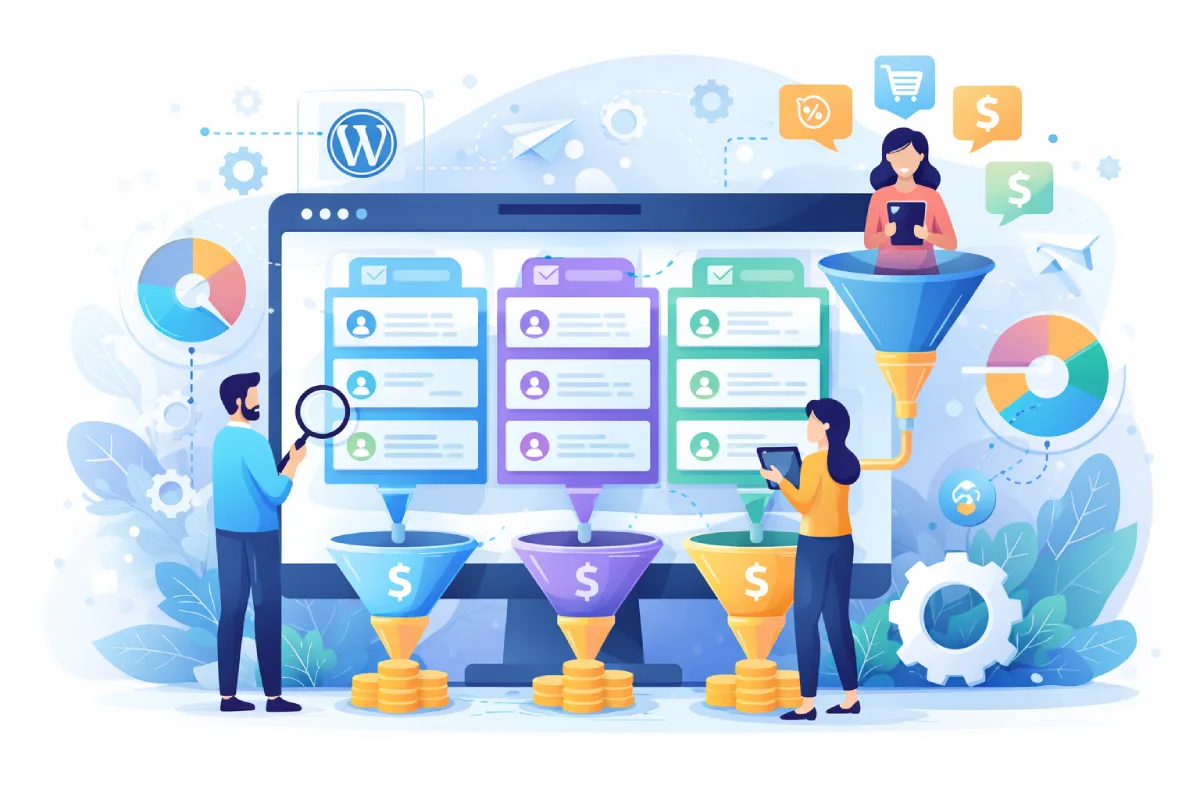
You have a growing email list. Subscribers are signing up through your WordPress site. But your open rates are flat, clicks are declining, and unsubscribes keep ticking upward. The problem is almost certainly the same one that plagues most WordPress site owners: you are sending the same email to everyone.
Email list segmentation fixes this. According to industry data from Campaign Monitor and DMA, segmented email campaigns generate up to 760% more revenue than one-size-fits-all blasts. That is not a typo. The difference between a generic newsletter and a targeted message is staggering.
In this guide, you will learn seven practical segmentation strategies you can implement on your WordPress site right now, even if you have never segmented a list before.
What Is Email List Segmentation?
Email list segmentation means dividing your subscriber list into smaller groups based on shared characteristics. Instead of blasting every subscriber with the same message, you send targeted content that matches each group’s interests, behavior, or stage in the customer journey.
Think of it this way: a first-time visitor who just subscribed yesterday needs a very different email than a loyal customer who has purchased from you three times. Segmentation makes sure each person gets the right message at the right time.
If you are using a WordPress-native email solution like Outreach, segmentation becomes especially powerful because your subscriber data lives right alongside your WordPress content, user roles, and purchase history. No syncing. No third-party delays.
1. Segment by Engagement Level
This is the single most impactful segmentation strategy, and the easiest place to start. Divide your list into three groups:
- Active subscribers: Opened or clicked an email in the last 30 days
- Fading subscribers: No opens or clicks in 30–90 days
- Inactive subscribers: No engagement in 90+ days
Why does this matter? Sending emails to people who never open them damages your sender reputation. Email providers like Gmail and Outlook track engagement signals. If a large portion of your list ignores your emails, your deliverability drops for everyone, including your most engaged subscribers.
Action step: Send your best content to active subscribers at your normal frequency. Reduce frequency for fading subscribers and send a re-engagement campaign. For inactive subscribers, run a win-back sequence, and if they still do not engage, remove them from your list. A smaller, engaged list always outperforms a large, disengaged one.
2. Segment by Signup Source
Where someone subscribes tells you a lot about what they want. A subscriber who signed up through a blog post about SEO tips has different interests than someone who opted in from a WooCommerce checkout page.
Track which form, page, or lead magnet drove each subscription. Common WordPress signup sources include:
- Blog post opt-in forms (topic-specific interest)
- Homepage newsletter signup (general interest)
- Landing page for a specific lead magnet (focused intent)
- WooCommerce checkout (buyer with purchase history)
- Popup or slide-in forms (casual interest, needs nurturing)
Action step: Tag subscribers at the point of signup based on the form or page they used. Then create welcome sequences tailored to each source. Someone who downloaded your pricing guide should get different follow-up emails than someone who subscribed for weekly blog updates.
3. Segment by WordPress User Role
This is a WordPress-specific advantage that most external email platforms cannot replicate easily. Your WordPress site already assigns roles to users: Administrator, Editor, Author, Subscriber, Customer, and any custom roles your plugins create.
These roles carry meaning. A WooCommerce Customer has purchased something. A Subscriber is a free user. A membership site might have Bronze, Silver, and Gold member roles.
Action step: Use role-based segments to send upgrade offers to free users, loyalty rewards to repeat customers, or exclusive content to premium members. When your email tool integrates directly with WordPress, like Outreach does, these segments update automatically as user roles change.
4. Segment by Purchase Behavior
If you run a WooCommerce store or sell digital products, purchase history is a goldmine for segmentation. Consider these segments:
- First-time buyers: Send onboarding content, usage tips, and a review request
- Repeat customers: Offer loyalty discounts or early access to new products
- High-value customers: Provide VIP treatment, exclusive offers, personal outreach
- Cart abandoners: Trigger recovery emails with the specific items they left behind
- Lapsed buyers: Haven’t purchased in 60+ days, send a win-back offer
Action step: Create automated sequences for each purchase segment. A well-timed post-purchase email with related product recommendations can increase repeat purchase rates by 20–30%.
5. Segment by Content Interest
Not every subscriber cares about every topic you cover. If your WordPress site publishes content across multiple categories, use click behavior and page visits to identify what each subscriber actually cares about.
For example, a marketing blog might cover SEO, social media, email marketing, and paid ads. A subscriber who consistently clicks on email marketing articles should receive more content about that topic, not a generic roundup of everything.
Action step: Track which email links subscribers click and which blog categories they visit. Build interest-based segments and tailor your newsletter content accordingly. Even something as simple as reordering content blocks so each subscriber’s preferred topic appears first can boost click-through rates significantly.
6. Segment by Lifecycle Stage
Where someone stands in their relationship with your brand should determine what you send them. The typical lifecycle stages are:
- New subscriber: Needs a welcome sequence that builds trust and sets expectations
- Engaged lead: Ready for deeper content, case studies, and social proof
- Customer: Wants product tips, updates, and complementary offers
- Advocate: Your most loyal users who will refer others if you ask
- At-risk: Showing signs of disengagement, needs re-activation
Action step: Map your email sequences to these stages. Automate transitions between stages based on behavior. When a lead makes their first purchase, automatically move them from the lead nurture sequence to the customer onboarding sequence. This is where email automation tools built into WordPress really shine, since the transition triggers can be based on real WordPress events like order completion or membership signup.
7. Segment by Geographic and Demographic Data
If your business serves different regions or demographics, location-based segmentation ensures your emails are relevant. This is particularly important for:
- Time zone-based send times (send at 9 AM in each subscriber’s local time)
- Region-specific offers or events
- Language preferences for multilingual sites
- Currency and pricing differences for international stores
- Compliance with regional regulations like GDPR or California’s new DROP requirements in 2026
Action step: Collect location data at signup or infer it from IP addresses. Use this to personalize send times and content. Even if you do not have region-specific offers, sending emails when subscribers are most likely to read them can improve open rates by 15–25%.
Getting Started: Keep It Simple
If you are new to segmentation, do not try to implement all seven strategies at once. Start with engagement-based segmentation (Strategy 1) because it has the biggest immediate impact on deliverability and results. Then add signup source tagging (Strategy 2) so every new subscriber is automatically categorized from day one.
From there, layer in additional segments as your list grows and your data becomes richer. The key is to start simple and iterate.
Tools You Need
To segment effectively on WordPress, you need an email tool that:
- Integrates natively with WordPress (not just a third-party connection)
- Tracks subscriber engagement (opens, clicks) automatically
- Supports tags and custom fields for flexible segmentation
- Offers automation triggers based on WordPress events
- Handles SMTP delivery with proper SPF, DKIM, and DMARC authentication
Outreach checks all of these boxes while keeping everything inside your WordPress dashboard. No external platforms to manage, no monthly per-subscriber fees that punish you for growing your list.
Common Segmentation Mistakes to Avoid
Before you dive in, watch out for these pitfalls:
- Over-segmenting: Creating dozens of tiny segments makes your workflow unmanageable. Stick to segments large enough to justify unique content.
- Set-and-forget: Segments need regular review. Subscriber behavior changes over time.
- Ignoring data hygiene: Segmentation only works if your data is accurate. Clean your list regularly and remove invalid addresses.
- Skipping authentication: Even perfectly segmented emails land in spam without proper SMTP authentication. Make sure SPF, DKIM, and DMARC are configured before you focus on segmentation.
The Bottom Line
Email list segmentation is not optional in 2026. With inbox providers getting stricter about engagement signals and subscribers expecting personalized content, sending the same generic newsletter to your entire list is a fast path to the spam folder.
The good news: you do not need a complex marketing stack to segment effectively. A WordPress-native email solution, some thoughtful tagging at signup, and a few automated sequences will put you ahead of the vast majority of email senders.
Start with one segment today. Measure the difference. Then expand from there. Your open rates, click rates, and revenue will thank you.

Written by
WP Outreach Editorial Staff
The WP Outreach Editorial Staff is a team of WordPress experts here to help you understand email marketing for WordPress—and get the most out of WP Outreach with clear guides, tips, and best practices.
View all posts