5 Email Automation Workflows Every WordPress Site Owner Should Implement in 2026
Discover 5 essential email automation workflows that help WordPress site owners increase engagement, recover abandoned carts, and convert more leads on autopilot.

The WP Outreach Editorial Staff is a team of WordPress…
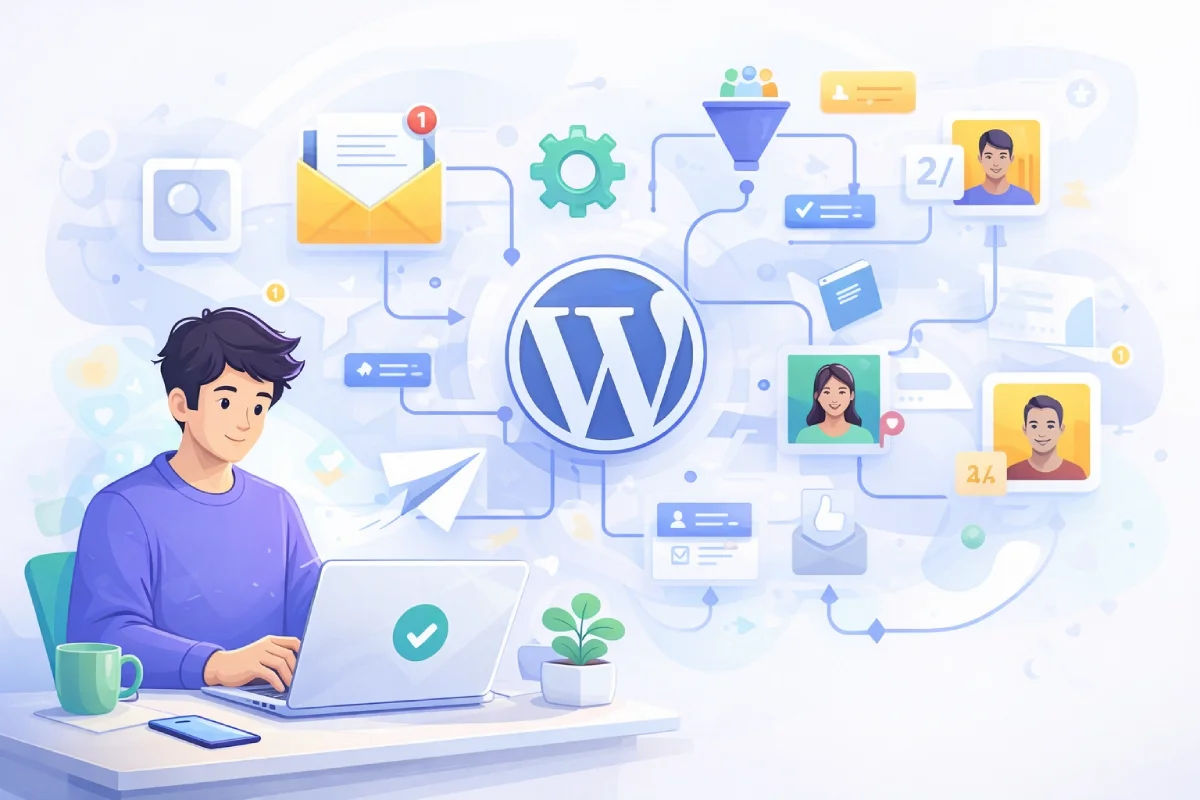
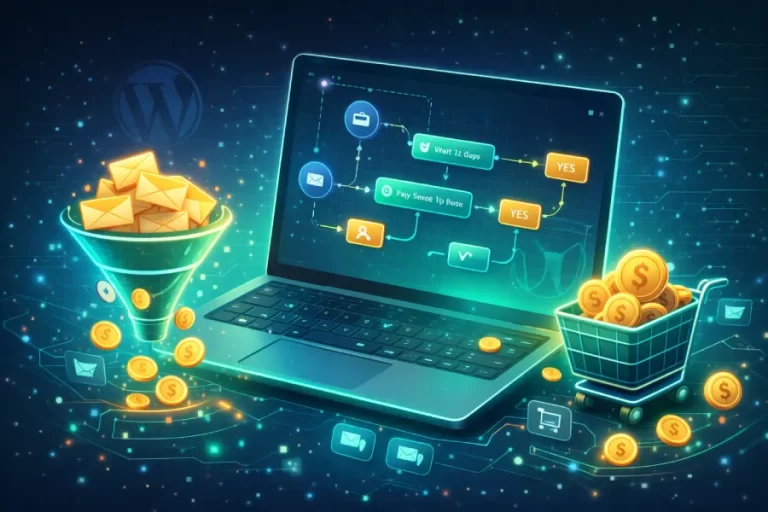
Email marketing remains one of the highest-ROI channels for WordPress site owners, but manually managing subscriber communications is no longer sustainable. In 2026, successful site owners are leveraging automation to deliver the right message at the right time—without lifting a finger.
Whether you run a blog, an online store, or a membership site, these five email automation workflows will transform how you engage with your audience and drive conversions.
1. The Welcome Sequence 🔗 : Your First Impression Machine
When someone subscribes to your list, you have a narrow window to make an impression. A welcome sequence nurtures that initial interest into lasting engagement.
Why It Matters
Welcome emails have an average open rate of 50-60%—significantly higher than regular campaigns. This is your best opportunity to introduce your brand, set expectations, and guide subscribers toward valuable content or offers.
The Blueprint
- Email 1 (Immediate): Thank the subscriber, deliver any promised lead magnet, and introduce yourself or your brand
- Email 2 (Day 2): Share your most popular or valuable content piece
- Email 3 (Day 4): Tell your story or mission—build an emotional connection
- Email 4 (Day 7): Soft introduction to your products or services with a special offer
Implementation Tips
Use personalization tokens to include the subscriber’s name. Segment based on how they signed up (which lead magnet, which page) to tailor content accordingly.
2. Abandoned Cart Recovery: Rescue Lost Revenue
For WooCommerce store owners, abandoned carts represent a massive revenue leak. Studies show that nearly 70% of shopping carts are abandoned before checkout. An automated recovery sequence can reclaim a significant portion of these lost sales.
Why It Matters
Cart abandonment emails have a 45% open rate and can recover 5-15% of abandoned carts. That’s revenue that would otherwise disappear entirely.
The Blueprint
- Email 1 (1 hour after abandonment): Friendly reminder with cart contents and direct link back
- Email 2 (24 hours): Address common objections (shipping costs, return policy, security)
- Email 3 (48-72 hours): Create urgency with a limited-time discount or free shipping offer
Implementation Tips
Include product images in your emails. Show the exact items left behind with prices. Make the “Return to Cart” button prominent and impossible to miss.
3. Post-Purchase Nurture: Turn Buyers Into Advocates 🔗
The sale isn’t the end of the customer journey—it’s the beginning. A post-purchase sequence builds loyalty, encourages reviews, and generates repeat purchases.
Why It Matters
Acquiring a new customer costs 5-25x more than retaining an existing one. Post-purchase emails strengthen the relationship when engagement is at its peak.
The Blueprint
- Email 1 (Immediately): Order confirmation with expected delivery and support contact
- Email 2 (After delivery): Check in on satisfaction, provide usage tips or guides
- Email 3 (7-14 days later): Request a review or testimonial
- Email 4 (30 days): Cross-sell or upsell related products based on purchase history
Implementation Tips
Segment by product category to send relevant recommendations. Include direct links to leave reviews on your site or third-party platforms.
4. Re-Engagement Campaign: Wake Up Dormant Subscribers
Every email list has subscribers who’ve gone cold. Rather than letting them drag down your metrics, a re-engagement campaign gives them a reason to come back—or a graceful exit.
Why It Matters
Inactive subscribers hurt deliverability. Email providers notice when recipients ignore your messages, which can land future emails in spam folders. Re-engagement campaigns clean your list while recovering some lost subscribers.
The Blueprint
- Email 1: “We miss you” message highlighting what they’ve missed (new content, features, products)
- Email 2 (3 days later): Offer an exclusive discount or freebie to re-engage
- Email 3 (7 days later): Final notice—”Stay subscribed or we’ll remove you” with clear opt-in button
Implementation Tips
Define “inactive” based on your sending frequency (e.g., no opens in 90 days). After the sequence, automatically remove non-responders from your active list.
5. Lead Nurture Drip: Guide Prospects to Purchase
Not everyone who visits your site is ready to buy. A lead nurture sequence educates prospects, builds trust, and gently guides them toward a purchasing decision over time.
Why It Matters
B2B buyers consume an average of 13 pieces of content before making a decision. Even B2C customers need multiple touchpoints. A drip campaign ensures you stay top-of-mind throughout their decision process.
The Blueprint
- Email 1: Educational content addressing their main pain point
- Email 2 (3 days): Case study or success story showing transformation
- Email 3 (6 days): Comparison or buyer’s guide helping them evaluate options
- Email 4 (9 days): FAQ addressing common objections and concerns
- Email 5 (12 days): Direct offer with clear CTA and deadline
Implementation Tips
Use behavioral triggers to adjust the sequence. If someone clicks a product link, accelerate them to the offer email. If they download additional resources, add relevant content to their sequence.
Getting Started with Email Automation in WordPress
Implementing these workflows doesn’t require technical expertise or expensive enterprise tools. Modern WordPress email plugins make it straightforward to:
- Design professional email templates with drag-and-drop builders
- Set up trigger-based automations (signup, purchase, inactivity)
- Segment subscribers based on behavior and preferences
- Track opens, clicks, and conversions to optimize performance
Start with one workflow—typically the welcome sequence—and expand from there. Each automated sequence you add multiplies your marketing impact without multiplying your workload.
Frequently Asked Questions
How many emails should be in an automation sequence?
There’s no universal answer, but 3-5 emails per sequence is a good starting point. Test and adjust based on your audience’s engagement patterns.
What’s the best timing between automated emails?
It depends on the sequence type. Welcome emails can be closer together (1-2 days), while nurture sequences should space emails 3-5 days apart to avoid fatigue.
Can I use these workflows with any WordPress email plugin?
Most modern email marketing plugins support automation workflows. Look for features like trigger-based sequences, conditional logic, and behavioral tracking.
How do I measure the success of my email automations?
Track open rates, click-through rates, and conversion rates for each sequence. Compare these to your regular campaign metrics and adjust content or timing based on performance.
Take Action Today
Email automation isn’t just for enterprise companies with dedicated marketing teams. WordPress makes it accessible to everyone. Choose one workflow from this list, map out your emails, and set it live this week.
Your future self—and your subscribers—will thank you.

Written by
WP Outreach Editorial Staff
The WP Outreach Editorial Staff is a team of WordPress experts here to help you understand email marketing for WordPress—and get the most out of WP Outreach with clear guides, tips, and best practices.
View all posts