
Download Manager Triggers
WP Outreach integrates with WordPress Download Manager (WPDM) to trigger automations based on download events. These triggers allow you to engage with users who interact with your downloadable content.
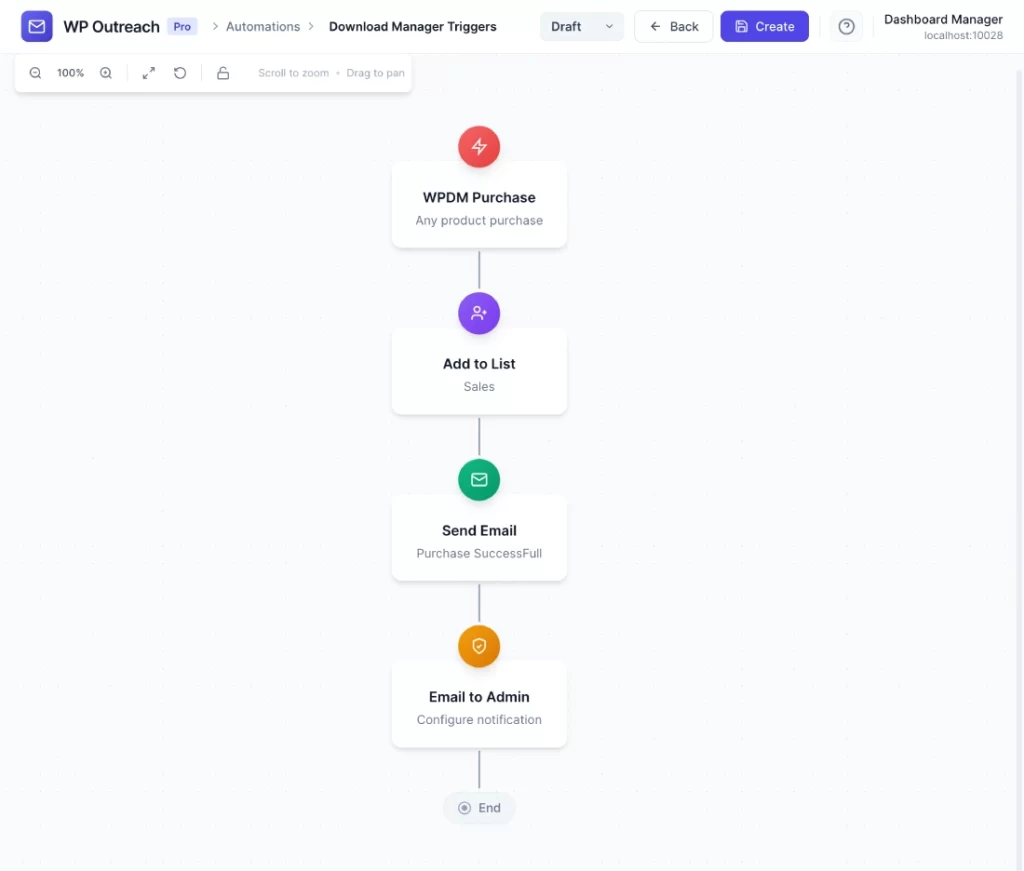
Available Triggers
Email Lock Submitted
Fires when a visitor submits their email address to unlock a download protected by WPDM email lock.
Configuration Options
- Package (Optional) – Filter by specific package, or leave empty for any package
Available Data
| Merge Tag | Description |
|---|---|
{{subscriber.email}} | Email address submitted |
{{subscriber.first_name}} | First name (if collected) |
{{package_id}} | WPDM Package ID |
{{package_title}} | Package name |
{{package_url}} | URL to the package page |
{{download_url}} | Direct download link |
Common Use Cases
- Welcome Sequence – Send a thank you email with related resources after download unlock
- Lead Nurturing – Add downloaders to a product-specific email sequence
- Tagging – Tag subscribers based on which packages they download
- List Segmentation – Add to lists based on download category (eBooks, Software, Templates)
Planned Triggers
The following triggers are planned for future releases:
- Package Downloaded – When any user downloads a package
- Package Purchased – When a premium package is purchased (requires WPDM Premium Packages)
- Package Updated – When a package is updated to a new version
- Download Limit Reached – When a user reaches their download limit
Requirements
- WordPress Download Manager plugin must be installed and active
- Email Lock feature must be enabled on packages you want to track
Pro Tips
- Use package filtering to create different sequences for different content types
- Combine with wait steps to send follow-up content after initial download
- Tag subscribers based on download interests for future segmentation
- Consider sending related content recommendations based on download history
Last updated: January 14, 2026