How to Build an AI-Powered Welcome Sequence in WordPress (No Coding Required)
Learn how to create an automated welcome email sequence that converts subscribers into customers. Step-by-step guide with templates, best practices, and AI personalization tips.

The WP Outreach Editorial Staff is a team of WordPress…
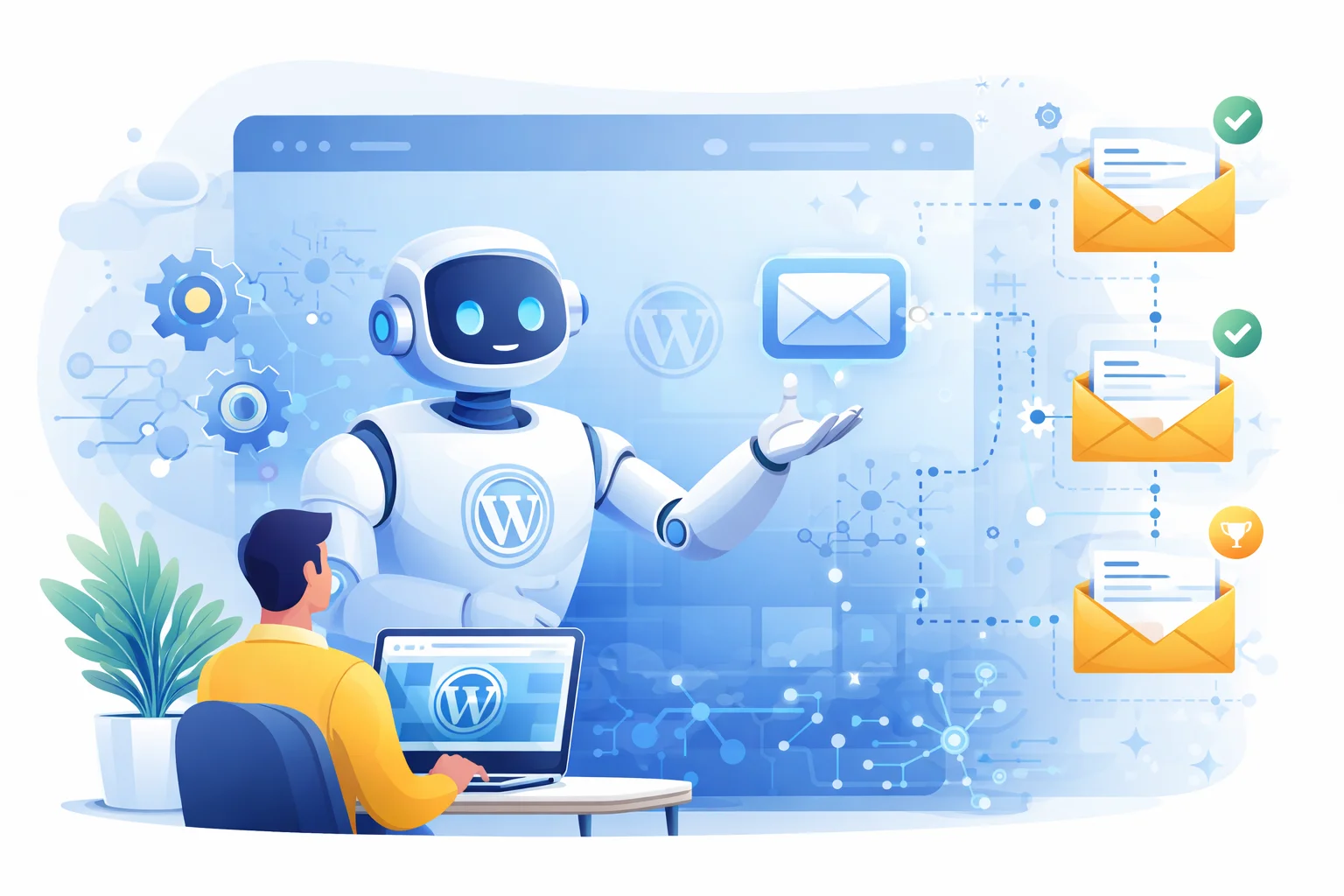
Your welcome email sequence is the most valuable automation you can build. Studies show that welcome emails generate 320% more revenue per email than promotional campaigns. Yet most WordPress site owners either skip it entirely or send a single generic “Thanks for subscribing” message.
In this guide, you’ll learn how to build a smart, AI-enhanced welcome sequence that nurtures new subscribers automatically—turning casual visitors into engaged customers.
Why Welcome Sequences Are Your Highest-ROI Automation
The numbers don’t lie:
- 74% of subscribers expect a welcome email immediately after signing up
- Welcome emails have an average 50% open rate—4x higher than regular campaigns
- Subscribers who receive a welcome sequence have 33% more long-term engagement
- A well-crafted sequence can increase customer lifetime value by up to 47%
The reason is simple: when someone subscribes, they’re at peak interest. They’ve just taken action. A welcome sequence capitalizes on this momentum, building trust and guiding them toward your goals—whether that’s making a purchase, reading your content, or joining your community.
What Makes an AI-Powered Welcome Sequence Different
Traditional welcome sequences are static: every subscriber gets the same emails at the same intervals. AI-enhanced sequences are dynamic and adaptive.
Traditional Approach
- Same content for everyone
- Fixed timing (Day 1, Day 3, Day 7)
- No behavioral adaptation
- One-size-fits-all messaging
AI-Enhanced Approach
- Personalized content based on subscriber data
- Smart timing based on engagement patterns
- Conditional branching based on actions taken
- Dynamic product/content recommendations
The key difference? An AI-powered sequence responds to how each subscriber behaves. If someone opens every email and clicks multiple links, they might get moved to a faster sales sequence. If someone hasn’t opened anything, they might get a re-engagement branch instead.
Setting Up Your AI Welcome Sequence (Step-by-Step)
Let’s build a complete welcome sequence using WP Outreach’s automation builder. This will take about 10-15 minutes.
Step 1: Create the Automation Trigger
- Go to WP Outreach → Automations
- Click Create Automation
- Name it “Welcome Sequence”
- Select trigger: Subscriber Created or Added to List
- If using “Added to List,” select your main newsletter list
Pro tip: Using “Added to List” as your trigger gives you more control. You can have different welcome sequences for different lists—one for blog subscribers, another for product waitlists.
Step 2: Design Your Sequence Flow
A high-converting welcome sequence typically has 4-6 emails over 7-14 days. Here’s a proven structure:
| Timing | Purpose | |
|---|---|---|
| Email 1 | Immediate | Welcome + deliver promised lead magnet |
| Email 2 | Day 2 | Share your story/mission + quick win |
| Email 3 | Day 4 | Valuable content + soft CTA |
| Email 4 | Day 6 | Social proof + testimonials |
| Email 5 | Day 8 | Main offer/conversion push |
| Email 6 | Day 12 | Reminder + urgency (if applicable) |
Step 3: Add Your First Email
- In the automation builder, click the + button after the trigger
- Select Send Email
- Choose a template or compose a custom email
- Write your welcome email (template below)
Welcome Email Template:
Subject: Welcome to [Your Brand]! Here's your [Lead Magnet]

Hi {{first_name|there}},

Thanks for joining [X] subscribers who get [your value proposition].

As promised, here's your [lead magnet]:
[Download Button]

Over the next few days, I'll share:
✓ [Benefit 1]
✓ [Benefit 2]
✓ [Benefit 3]

But first, I'd love to know—what's your biggest challenge with [topic]?

Just hit reply and let me know. I read every response.

Talk soon,
[Your Name]
Step 4: Add Wait Steps Between Emails
After each email, add a Wait step:
- Click + after your email
- Select Wait
- Set duration: 2 days (for the second email)
Repeat this pattern: Email → Wait → Email → Wait
Step 5: Add Smart Conditions (The AI Part)
This is where your sequence gets intelligent. Add a Condition after Email 3 to branch based on engagement:
- Click + and select Condition
- Set condition: “Subscriber has tag” → “engaged” (or check if they clicked a link)
- Create two branches:
- Yes branch: Move to sales-focused emails faster
- No branch: Send more nurturing content first
You can also add tags based on behavior:
- After Email 1: If clicked → Add tag “engaged”
- After Email 3: If clicked product link → Add tag “interested-in-product”
Step 6: Test and Activate
- Use the Test Email button to preview each email
- Check that merge tags ({{first_name}}) display correctly
- Verify wait timing is correct
- Toggle the automation to Active
5 Welcome Sequence Templates You Can Steal
Here are plug-and-play templates for different business types:
1. E-commerce Store
Goal: First purchase within 14 days
- Email 1: Welcome + 10% discount code
- Email 2: Brand story + bestsellers showcase
- Email 3: Customer reviews + social proof
- Email 4: “Your discount expires soon” reminder
- Email 5: Free shipping offer (if no purchase)
2. SaaS/Software
Goal: Trial signup or demo booking
- Email 1: Welcome + quick start guide
- Email 2: Feature highlight + use case
- Email 3: Customer success story
- Email 4: “Book a demo” soft pitch
- Email 5: Comparison with alternatives + trial CTA
3. Blog/Content Creator
Goal: Build relationship + drive traffic
- Email 1: Welcome + best content roundup
- Email 2: Your story + why you started
- Email 3: Most popular post + discussion starter
- Email 4: Exclusive content/insight
- Email 5: Community invitation (Discord, comments, etc.)
4. Online Course/Membership
Goal: Course enrollment
- Email 1: Welcome + free mini-lesson
- Email 2: Common mistake in [topic]
- Email 3: Student transformation story
- Email 4: Course overview + bonuses
- Email 5: Enrollment open + urgency
5. Local Business/Service
Goal: Booking or inquiry
- Email 1: Welcome + service overview
- Email 2: Meet the team + credentials
- Email 3: FAQ + common concerns addressed
- Email 4: Client testimonials
- Email 5: Special offer for new subscribers
Advanced: Adding AI Personalization
Take your sequence to the next level with these AI-powered enhancements:
Dynamic Content Blocks
Use merge tags to personalize beyond just the name:
{{first_name|Friend}}, based on your interest in {{signup_source|our content}}...If you’re collecting data at signup (industry, role, interests), use it in your emails:
As a {{industry|business}} professional, you'll find this especially relevant...Behavioral Branching
Create multiple paths based on subscriber actions:
- Clicked product link? → Fast-track to sales sequence
- Opened but didn’t click? → Send more educational content
- No opens after 3 emails? → Re-engagement sequence
Send-Time Optimization
Instead of sending at a fixed time, let the system learn when each subscriber is most likely to engage. Early data suggests this can improve open rates by 15-25%.
Subject Line Variations
Test multiple subject lines and let AI determine which performs best for different segments:
- Version A: “Your free guide is inside”
- Version B: “{{first_name}}, here’s what you requested”
- Version C: “Welcome! Let’s get started”
Measuring Success: KPIs That Matter
Track these metrics to optimize your welcome sequence:
Primary Metrics
| Metric | Good | Great | Excellent |
|---|---|---|---|
| Open Rate (Email 1) | 40% | 50% | 60%+ |
| Open Rate (Overall) | 30% | 40% | 50%+ |
| Click Rate | 3% | 5% | 8%+ |
| Completion Rate | 60% | 75% | 85%+ |
Conversion Metrics
The ultimate measure is whether your sequence achieves its goal:
- E-commerce: First purchase rate (target: 5-15%)
- SaaS: Trial/demo conversion (target: 10-25%)
- Content: Return visit rate (target: 30-50%)
- Course: Enrollment rate (target: 2-8%)
Health Metrics
- Unsubscribe rate: Should be under 1% per email
- Spam complaints: Should be under 0.1%
- Reply rate: A healthy sign of engagement (1-3% is good)
Common Mistakes to Avoid
After analyzing thousands of welcome sequences, here are the most common pitfalls:
1. Waiting Too Long for Email 1
Your first email should arrive within minutes, not hours. Subscribers are most engaged immediately after signup. A delay of even 24 hours can cut open rates in half.
2. Going Straight for the Sale
Your first email shouldn’t be a hard sell. Build trust first. The sequence should follow the pattern: Give → Give → Give → Ask.
3. Making Emails Too Long
Welcome emails should be scannable. Use short paragraphs, bullet points, and a single clear CTA. Save the long-form content for your blog.
4. Ignoring Mobile
Over 60% of emails are opened on mobile. Test your emails on phone screens. Keep subject lines under 40 characters, and use large tap targets for buttons.
5. No Personalization
At minimum, use the subscriber’s first name. “Hi {{first_name|there}}” is better than “Hi there” every time. Even small personalization touches increase engagement significantly.
6. Forgetting the Unsubscribe
Every email needs a clear unsubscribe link. It’s not just required by law (CAN-SPAM, GDPR)—it’s good practice. People who don’t want your emails will mark you as spam if they can’t easily leave.
7. Not Testing
Always send test emails to yourself before activating. Check formatting, links, merge tags, and mobile rendering. One broken link can tank your conversion rate.
Getting Started Today
Building an AI-powered welcome sequence doesn’t have to be complicated. Start with the basics:
- Create a 3-email sequence (welcome, value, soft pitch)
- Add basic personalization (first name, at minimum)
- Set up one condition (engaged vs. not engaged)
- Monitor results for 2 weeks
- Iterate and expand based on data
The best welcome sequence is one that exists. You can always optimize later. The subscribers joining your list today are waiting to hear from you.
Ready to build your first automation? Check out our automation guide or download WP Outreach to get started.

Written by
WP Outreach Editorial Staff
The WP Outreach Editorial Staff is a team of WordPress experts here to help you understand email marketing for WordPress—and get the most out of WP Outreach with clear guides, tips, and best practices.
View all posts